

Reliable data flow
AI integration · Australia
Connect what works. Remove the repeated handoff.
ZTechzSolutions connects the systems your team already uses so customer information, tasks, updates, and approved AI actions move through one reliable operational flow.
Request an integration reviewDuplicate entry
Visible status and errors
Permissions and fallbacks
Existing systems first
Good integration reduces friction without creating a new one.
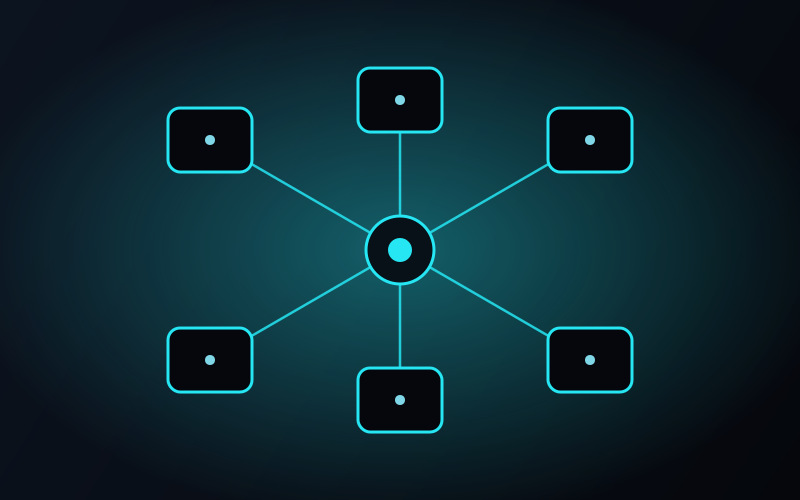
We connect websites, forms, email, calendars, CRM platforms, accounting software, booking tools, help desks, cloud files, ecommerce systems, and internal databases.
Every integration answers four questions: what starts the workflow, which data moves, what happens when information is missing or duplicated, and who reviews an unusual case.
Customer journey
Connect the enquiry to the next action.
Move structured lead information from forms or conversations into the right CRM pipeline, alert the owner, create follow-up, and keep the customer informed.
- 01Faster routing
- 02Complete lead records
- 03Reliable follow-up
Operations
Keep systems aligned without double entry.
Synchronise approved records, status changes, documents, tasks, and notifications across the tools responsible for daily work.
- 01Consistent records
- 02Fewer manual updates
- 03Visible failures
AI in context
Give AI only the access the task needs.
Place language or classification tools inside a controlled workflow with validated inputs, permissions, human review, and a clear destination for the result.
- 01Scoped AI access
- 02Human approval
- 03Traceable outcomes
Complete service guide
What the work can include.
Clear scope, useful context, and no hidden handoff between strategy and implementation.
01
Systems we can connect
The exact integration depends on available APIs, authentication, data formats, plan limits, and the responsibilities of each platform.
- Websites, landing pages, and online forms
- Email, calendars, and appointment systems
- CRM and sales pipeline platforms
- Accounting, invoicing, and payment tools
- Help desks and customer service systems
- Ecommerce and order platforms
- Cloud storage and document systems
- Internal databases and reporting tools
02
Data mapping and ownership
Before connecting systems, we define which platform owns each record, how fields match, what creates or updates a record, and how duplicates are prevented.
Clear ownership prevents a connection from turning two inconsistent systems into three inconsistent systems.
03
Errors, monitoring, and recovery
Connections fail when credentials expire, fields change, services become unavailable, or data arrives in an unexpected format. A production integration needs alerts, retry rules, logs, and a safe route for unresolved cases.
The responsible person should be able to see what happened and recover the task without reconstructing the entire process.
04
Security and access
Access follows the least-privilege principle: each connection receives only the permissions required for the agreed task.
Credentials, user access, data retention, offboarding, provider storage, and sensitive fields are reviewed during scoping.
HOW WE WORK / 04
From first review to dependable delivery
A clear process around the outcome.
System inventory
Identify the tools, owners, plans, access, data, and current manual handoffs.
Data mapping
Define source records, destination fields, ownership, matching, and duplicates.
Workflow design
Set triggers, transformations, actions, approvals, and exception paths.
Connection build
Configure secure authentication, data handling, and system actions.
Failure testing
Test missing fields, expired access, duplicate records, and unavailable services.
Monitoring
Launch with logs, alerts, ownership, documentation, and review.
01Can you connect software we already use?+
Usually, if the platform provides a suitable API, webhook, export, or approved integration method. Access and plan limitations are checked before scope is confirmed.
02What happens if a connected platform goes offline?+
The workflow uses agreed retry, alert, queue, or manual recovery rules so failed work is visible and does not disappear silently.
03How do you avoid duplicate records?+
We define matching keys, system ownership, create-versus-update rules, and exception handling before live data is connected.
04Can integrations be changed later?+
Yes. They should be reviewed whenever fields, business rules, user roles, platform plans, or connected software change.
Start with a clear scope
Turn disconnected tools into one working process.
Show us where information is copied, delayed, or lost between systems. We will map the connection and the safest practical starting point.
Request an integration review