How Do You Connect Xero or MYOB to Your Job Software?
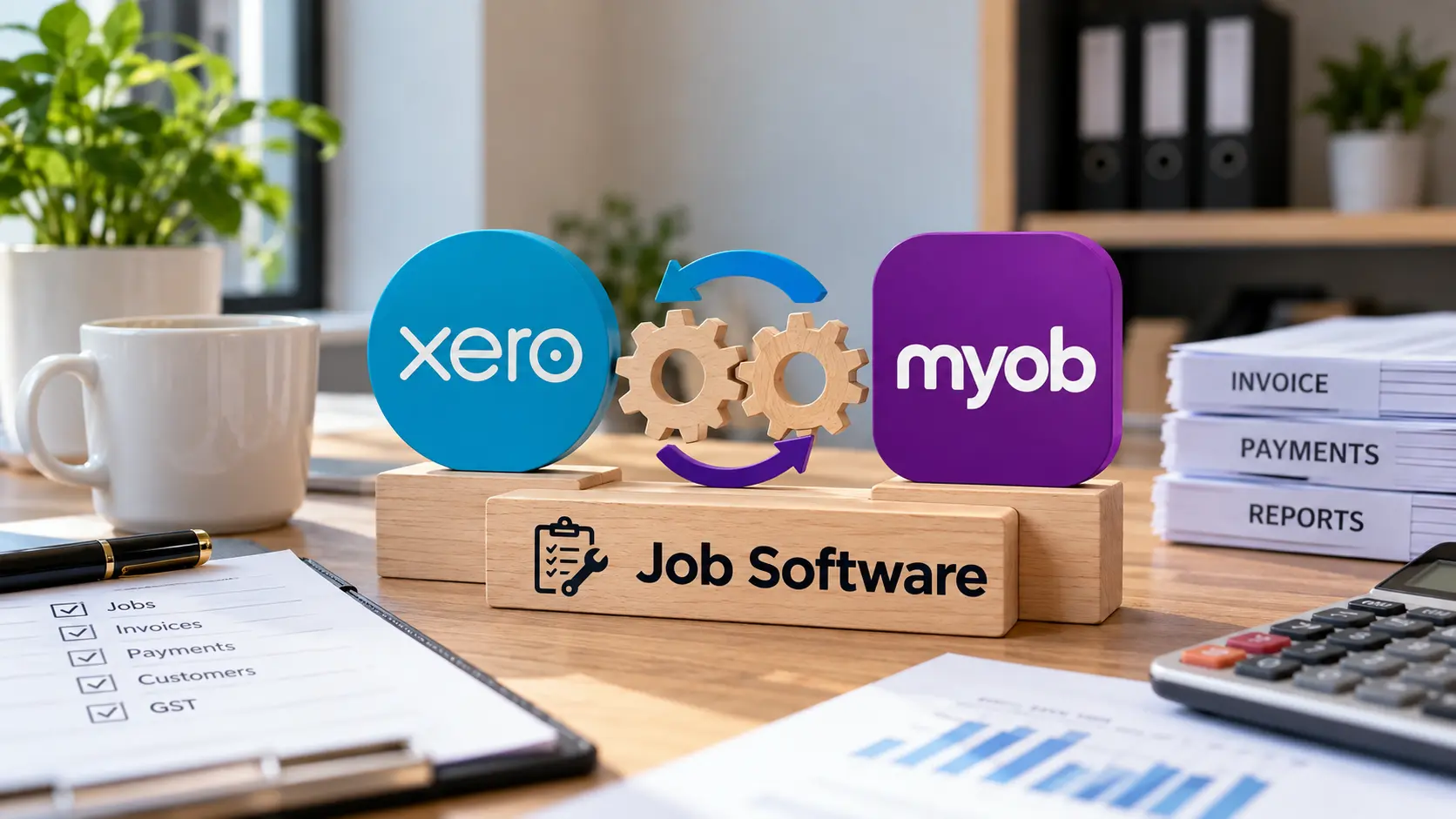
Most job management software links to Xero or MYOB through a built-in connector. To connect Xero or MYOB, you open the integration settings in your job app, sign in to your Xero organisation or MYOB company file, approve access, check how your income accounts and GST codes map across, then send one test invoice. If your app has no connector, an integration platform or a custom API build fills the gap.
The connection itself usually takes minutes. Problems tend to come later, from not knowing what syncs, in which direction, and where Xero and MYOB behave differently. This guide covers the three ways to connect, the setup steps, and fixes for the sync issues Australian businesses run into most.
What Happens When Your Job Software Talks to Your Accounting System
An integration lets your job app and your accounting system share records automatically. When a technician finishes a job, the invoice appears in Xero or MYOB without anyone re-typing the customer, line items or totals. When the customer pays, the job can be marked paid.
That is the job-to-cash cycle: job completed → invoice approved → invoice created in accounting → payment received → job closed. Cutting out manual data entry at each step saves admin time and keeps cash flow visible in one place.
Two terms are worth knowing:
- One-way sync: data flows from one system to the other only, usually from the job app into accounting.
- Two-way sync: changes in either system update the other, which is handy but needs clear rules about which system “wins”.
Bank feeds are a separate thing. Your bank feed brings transactions into Xero or MYOB for reconciliation. The integration is what tells your job app that an invoice has been paid.
| Record | Typical sync direction | What to watch |
| Invoices | Job app → accounting | Invoices raised directly in Xero or MYOB often don’t flow back |
| Payments | Accounting → job app (varies) | Partial payments may not sync from MYOB |
| Customers/contacts | Two-way after the first link | Supplier-only contacts are often skipped |
| Items/materials | Two-way after the first link | Check price and GST settings |
| Tax rates | Accounting → job app | Edits in the job app don’t push back |
| Staff | Usually not synced | Timesheets may need a payroll integration |
Three Ways to Connect Xero or MYOB to Job Management Software
Your method depends on whether your job app already has a connector for your accounting platform.
| Native connector | Integration platform | Custom API integration | |
| What it is | Built into your job app | Zapier, Make or n8n links two apps | Purpose-built code using the Xero or MYOB API |
| Setup time | Minutes | Hours to days | Days to weeks |
| Flexibility | Set by the vendor | Moderate | Full control |
| Best for | Popular trade and service apps | Simple triggers between common apps | Unsupported apps or several connected systems |
| Main limit | You can’t change what syncs | No official Zapier app for MYOB | Needs ongoing maintenance |
Native Connectors in Your Job App
Start here. Most job management software for tradies includes a ready-made accounting connector, and it’s usually the cheapest and lowest-risk option. Check your job app’s integrations page, the Xero App Store, or the MYOB App Marketplace.
The Xero App Store has a whole category of Xero job management software, including Fergus, Ascora and Workshop Software, alongside apps such as ServiceM8, Tradify and simPRO. On the MYOB side, AroFlo describes itself as a MYOB Premium Developer Partner whose link sends invoices, purchase orders, client updates and timesheets to MYOB.
Not every app supports both platforms. Maropost’s Neto Inventory, for example, only offers a direct accounting integration with Xero, so MYOB users have to go through the Xero link instead.
Integration Platforms Such as Zapier, Make and n8n
Integration platforms connect apps that don’t talk to each other directly. A typical example: “when a job is marked complete, create a draft invoice”. They suit simple, high-frequency tasks.
There’s one important catch for MYOB users. Zapier says MYOB hasn’t built an official Zapier integration, so you’d need webhooks or custom code to make it work. Make, by contrast, has an official listing on the Xero App Store. If you’re weighing these tools, Z Techz Solutions’ workflow automation services page compares Zapier, Make and n8n by cost and flexibility.
Custom API Integrations
An API (application programming interface) is a secure channel software uses to swap data. Both Xero and MYOB offer one. A custom build makes sense when your job app has no connector, or when your job app, CRM, website forms and accounting all need to share records.
Xero changed its developer pricing in 2026. From 2 March 2026, apps moved to five tiers based on how many organisations connect and how much data they use. Apideck’s documentation lists a free Starter tier of up to five connections. A single business running its own integration may sit in a low tier, but app vendors may pass new costs on. For multi-system builds, custom Xero and MYOB integrations can be planned around your existing job, CRM and accounting software rather than replacing them.
Before You Start: A Quick Pre-Connection Checklist
Before you connect Xero or MYOB to anything, tidy both systems. Most sync errors trace back to setup, not the connector itself.
- Admin access: you need admin rights to the Xero organisation or MYOB company file.
- Cloud access for MYOB: the connection needs online access to your company file, so check that before you start.
- Duplicate contacts: merge duplicates in both systems first, or the sync can create more.
- Source of truth: decide which system owns customers, items and invoice numbers.
- Chart of accounts: confirm which income accounts job items should post to.
- GST settings: check tax codes and whether prices are GST-inclusive or exclusive.
- Your bookkeeper: ask them to review the account mapping, because it flows straight into BAS reporting.
If you’re not sure which tasks are worth connecting first, the free Automation Map ranks options based on the software you use and where your team loses time.
Step-by-Step: Connecting Your Job App
Menu names differ between apps, but the process is similar in most. ServiceM8 is used as the worked example below because its process is well documented. ServiceM8 connects to Xero and QuickBooks Online worldwide, and to MYOB in Australia and New Zealand.
Connecting to Xero (ServiceM8 Xero Integration Example)
- Open your job app’s integration settings. In ServiceM8, that’s Settings → ServiceM8 Add-ons → Xero Integration → Connect.
- Choose your tax setting.
- Sign in to your Xero account.
- Select the right organisation and click Authorise.
- Wait while existing customers and inventory items import, which ServiceM8 says takes a few minutes.
With the ServiceM8 Xero integration, an invoice goes to Xero once it’s approved in ServiceM8, and payments recorded in Xero sync back within 30 minutes.
Setting Up a MYOB Accounting Software Integration
- Open the MYOB integration in your job app.
- Select your MYOB product. ServiceM8 supports MYOB Business Lite, Pro, AccountRight Plus and AccountRight Premier, plus legacy Essentials and AccountRight.
- Choose online access.
- Sign in to MYOB and click Allow access.
- Pick the correct company file.
A MYOB accounting software integration can follow different payment rules from Xero, which is covered in the next section.
Test One Job Before You Go Live
Create a test job, approve the invoice, and check it lands in Xero or MYOB with the right customer, line items, income account and GST code. Then record a payment and confirm the job updates.
Run the integration alongside your current process for a week or so before relying on it fully. Also note that zero-value invoices may not sync at all.
How Do Xero and MYOB Differ Once Connected?
This isn’t about which accounting software is “better”. It’s about what changes in your day-to-day workflow after the connection is live.
| Integration factor | Xero | MYOB |
| Product range | One cloud product with several plans | MYOB Business range, with legacy Essentials and AccountRight names still in use |
| Payment sync (ServiceM8 example) | Payments flow back automatically | Partial payments don’t flow back |
| Zapier support | Official app available | No official Zapier app |
| Multiple connections | Usually one accounting link per job app | Same |
If you’re comparing MYOB job management software options, such as job apps with MYOB connectors or MYOB’s own job tracking, look at how payments, credit notes and partial payments behave, not just whether invoices sync.
Fixing Common Sync Problems
| Problem | Likely cause | Fix |
| Invoice missing in Xero/MYOB | Not approved, zero value, or missing account/tax mapping | Approve it, check the mapping, then resend |
| “Access token expired” notice | Authorisation lapsed or login changed | Reconnect from the integration settings |
| Duplicate customers | Same contact entered in both systems before linking | Merge records and agree a source of truth |
| Invoice number clash | Both systems issuing numbers | Let one system own numbering |
| Job not marked paid | Partial payment in MYOB | Record the full payment or update the job manually |
| MYOB won’t connect | Xero still connected | Disconnect the old link first |
Sync failures that only say “setup incomplete” usually point to a missing chart of accounts, tax code or sales account setting.
When It’s Worth Getting Integration Help
A native connector covers most small trade businesses. Outside help is worth considering when:
- several systems need to share data, such as a job app, CRM, payroll and website forms
- your connector doesn’t sync what you need
- staff still export CSV files or re-key data weekly
AI can also sit on top of a working integration. For example, an AI agent could answer “has job 1042 been paid?” by reading invoice status, with a person approving anything involving money. Xero’s updated developer terms prohibit using API data to train AI models, so a responsible build uses the data to complete tasks, not to train a model.
The integration often starts before the job app. Booking or enquiry forms built through custom web development can create customers and jobs automatically, which then flow through to Xero or MYOB.
FAQs
Can I connect Xero and MYOB to the same job software at once?
No, not usually. Most job apps allow one accounting connection at a time, and Workshop Software, for example, won’t let you connect MYOB while Xero is still connected.
What software integrates with Xero?
Many types of software do: job management, payments, payroll, inventory, CRM and reporting apps. The Xero App Store groups them by category. Check that any app you choose syncs the specific records you need.
Does Zapier work with MYOB?
Not through an official app. You’d need Zapier’s webhooks or custom code, a different platform, or a direct API integration.
Will invoices I create in Xero or MYOB show up in my job app?
Often not. In ServiceM8, invoices created directly in Xero aren’t sent back to ServiceM8. Raise invoices in your job app if you want both systems to match.
Which MYOB versions work with job management software?
Current cloud MYOB Business products generally work: Lite, Pro, AccountRight Plus and AccountRight Premier. Legacy products vary by job app, so check your app’s support list before connecting.
What happens to my integrations if I switch from MYOB to Xero?
You’ll need to disconnect each app from MYOB and reconnect it to Xero. Note your cutover date carefully, because some apps use it to decide which pending records to export. Historical transactions may not re-export to the new system.
Which is easier to use, Xero or MYOB?
It depends on your business and on who does your books. Both are widely used by Australian SMEs. Ask your bookkeeper which they prefer, and check which platform your job app supports best before deciding.
Do I still need an accountant if I use Xero?
Yes, for most businesses. Software records and organises your figures, but tax advice, BAS lodgement decisions and end-of-year compliance still benefit from a registered tax or BAS agent.
How much does Xero cost per month?
From 1 July 2026, Xero’s Australian plans start at $37/month for Ignite, then $78 for Grow, $107 for Comprehensive and $143 for Ultimate 10. Check Xero’s pricing page for current figures.
How much does MYOB cost per month?
MYOB’s standard listed prices in 2026 are about $35/month for Business Lite, $70 for Business Pro, $165 for AccountRight Plus and $210 for AccountRight Premier. Payroll costs about $3 per employee per month on Lite and Pro. Introductory discounts are common, so confirm current pricing directly with MYOB.
Is it safe to connect job software to my accounting file?
Yes, when you use the official connection process. You sign in and approve access inside Xero or MYOB, so your password isn’t shared with the job app. Review connected apps regularly and remove any you no longer use. Some apps may also switch on two-factor authentication for your account.
Can job software send Peppol e-invoices?
E-invoices are usually sent from your accounting software, not your job app. Xero includes e-invoicing in its Starter, Standard and Premium plans, and B2B e-invoicing remains voluntary in Australia. Keep ABNs on your customer records so synced invoices are ready to send as e-invoices.
Getting the Connection Right
For most businesses, the steps to connect Xero or MYOB are the same: check for a native connector, clean up contacts and account mapping, authorise the link, test one job, then go live. The bigger difference is in how each platform handles payments and middleware once connected, so confirm what syncs back before relying on it.
If your job app has no connector, or several systems need to work together, a short integration review can show whether a native connector, an automation platform or a custom build is the simplest fit.